Computer Peripheral Devices and Their Functions Explained
This tutorial explains computer peripheral devices and their functions. Learn what a peripheral device is and how many types of peripheral devices are.
What is a peripheral device?
A peripheral device is a device that either enters information into a computer system or receives information from the computer system. The normal workflow of a computer system is the following.
It receives data and commands from the user, processes the data according to the given commands, presents the processed data to the user, and stores or prints the processed data if the user gives a command to save or print.
Except for the components that process the given data, all other components of a computer system are known as peripheral devices.
In simple words, if a hardware component is not part of the core components and is used either to put information into the computer system or to get information from the computer system, then it is a peripheral device. The core components of a computer system are the components that control the computer system and process the data.

A computer system can function without peripheral devices but it cannot function without core components. Examples of core components are CPU, motherboard, power supply, RAM, and ROM. Keyboard, mouse, monitor, printer, scanner, and USB drive are examples of peripheral devices.
Types of peripheral devices
Peripheral devices are classified into three types. These types are input devices, output devices, and input/output devices.
An input device inserts data or commands into the computer system. A keyboard, mouse, scanner, barcode reader, digital pen, webcam, microphone are some examples of input devices.
An output device receives the processed data from the computer system and presents that data to the user. A monitor, printer, speaker, headphone, and projector are some examples of output devices.
An input/output device can perform both input and output functions. A hard drive, USB drive, memory card, tape drive, and NIC are some examples of input/output devices.
Examples of peripheral devices
So far we have discussed what a peripheral device is and how many types of peripheral device are. Now, let's discuss some most common peripheral devices and their functions.
Keyboard
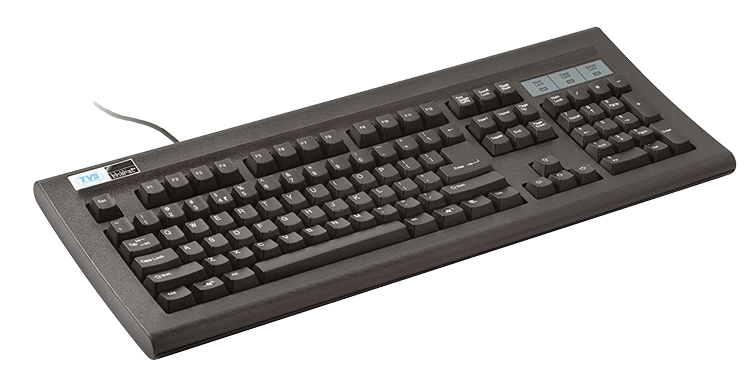
A keyboard is the most common and important input device. It allows the user to enter letters, numbers, and symbols. When a user presses a key on a keyboard, the keyboard sends a unique signal to the computer. The processing unit of the computer receives the signal and translates the signal to know which key is pressed.
Mouse
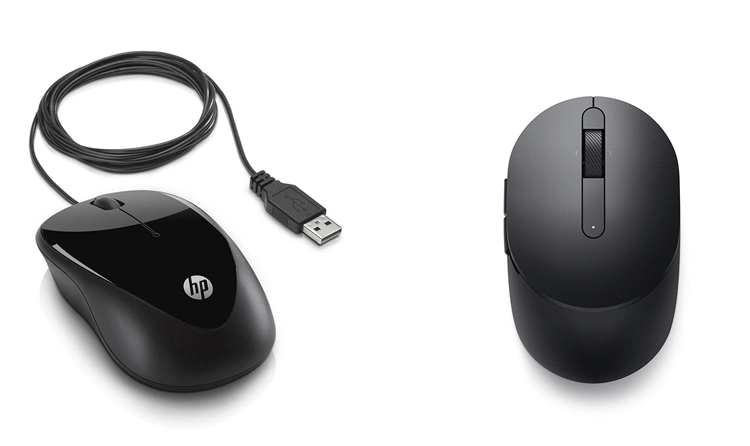
A mouse is another important input device. It uses point-and-click technology to interact with the system. Most mice have two buttons and a scroll wheel between them. To track motion, a ball was used in older mice. Modern mice use laser light to track motion.
Webcam
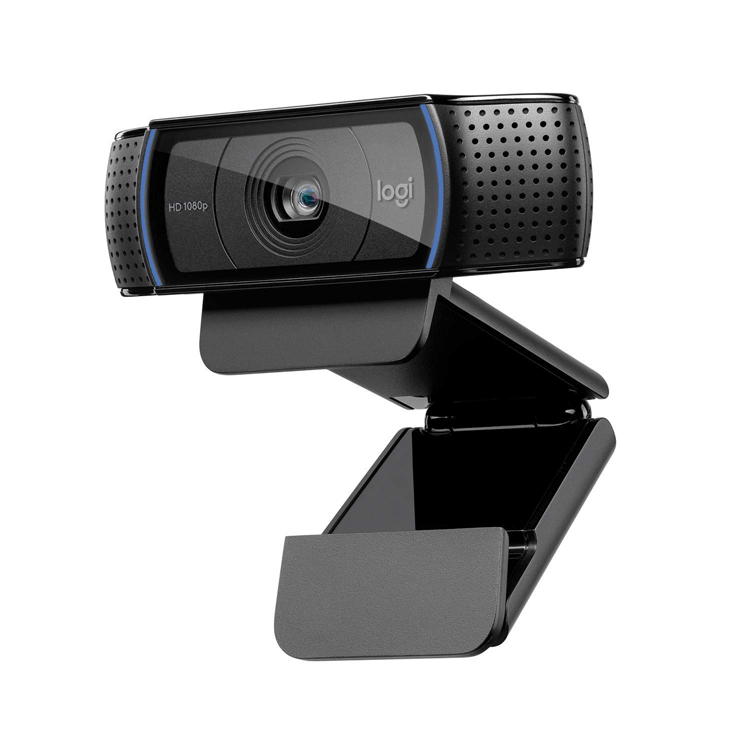
A webcam is a popular input device. It captures live videos and photos. Usually, it is inbuilt on laptops and tablets. Mostly, it is used for video calls and live presentations.
Scanner
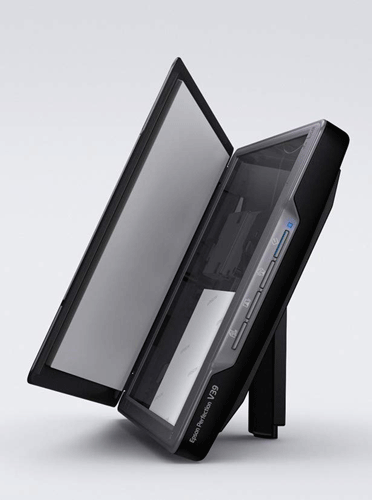
A scanner is another popular input device. It is used to scan documents. Normally, it is used to save and use a soft copy of the document.
Monitor
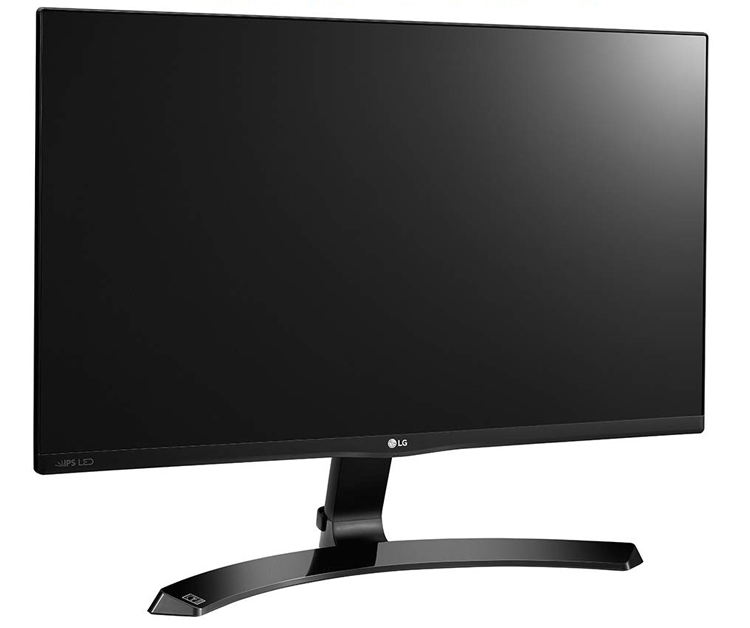
A monitor is one of the most important output devices. It receives output from the processing unit and displays that output. The output displayed on the monitor is temporary. Because of this, the output displayed on the monitor is called the soft copy of the output. To make it permanent, you have to store it on other output devices.
Printer
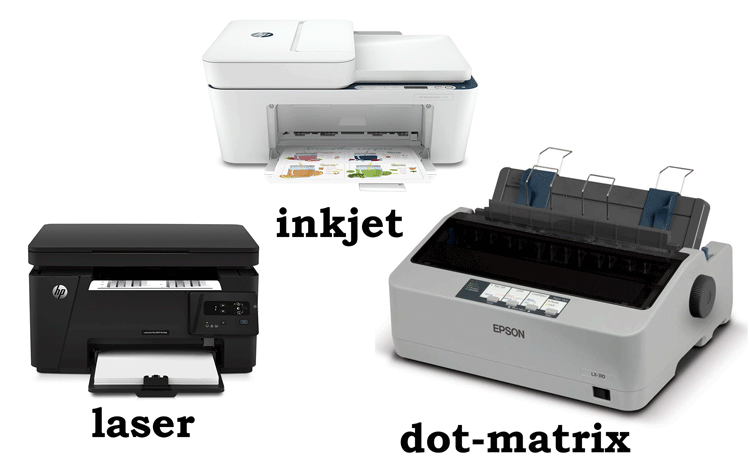
A printer is another important output device. It prints the given output. After printing, the output is permanently stored on the paper. Because of this, the output printed on the paper is called the hard copy of the output. There are mainly three types of printers: dot-matrix, inkjet, and laser. A dot printer uses pins and an ink-coated ribbon for printing. An inkjet printer uses liquid ink for printing while a laser printer uses a laser toner for printing.
Speaker
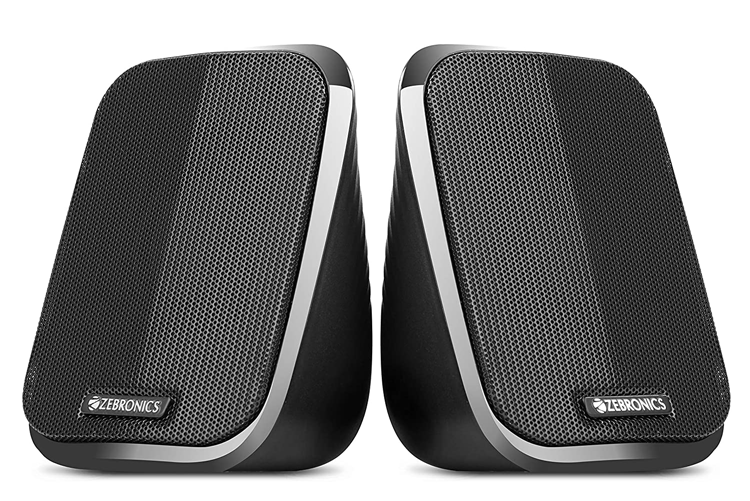
A speaker is a popular output device. It plays the audio output signals. Laptops and tablets have inbuilt speakers. On desktop computers, they can be attached via ports.
Hard disk
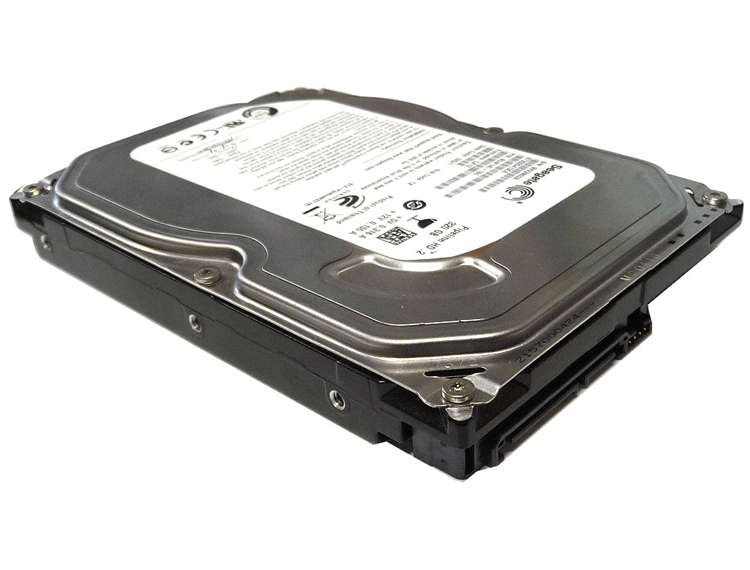
A hard disk is the most important input/output device. It provides both input and output functionalities. When a computer reads data from the hard disk, the hard disk provides input functionality. When the computer stores data on the hard disk, the hard disk provides output functionality.
USB drive
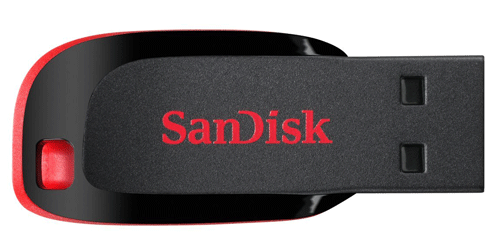
USB drives are another popular input/output device. They are compact and small. They are mostly used to transfer data between computers that are not connected. When you transfer data from a computer to the USB drive, the USB drive provides output functionality. When you transfer data from a USB drive to the computer, the USB drive provides input functionality.
NIC
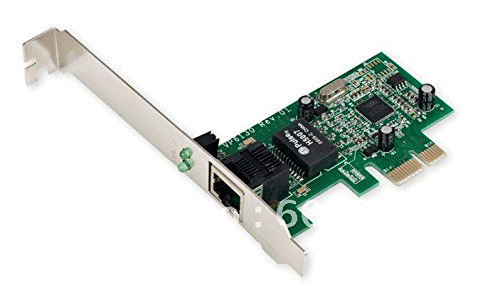
NIC stands for the network interface card. A NIC is an input/output device. A computer uses a NIC to connect the network. When the computer sends data to the network, it uses the output function of the NIC. When the computer receives data from the network, it uses the input function of the NIC.
That's all for this tutorial. If you like this tutorial, please share it through your favorite social networking sites.
Author Laxmi Goswami Updated on 2026-01-24